
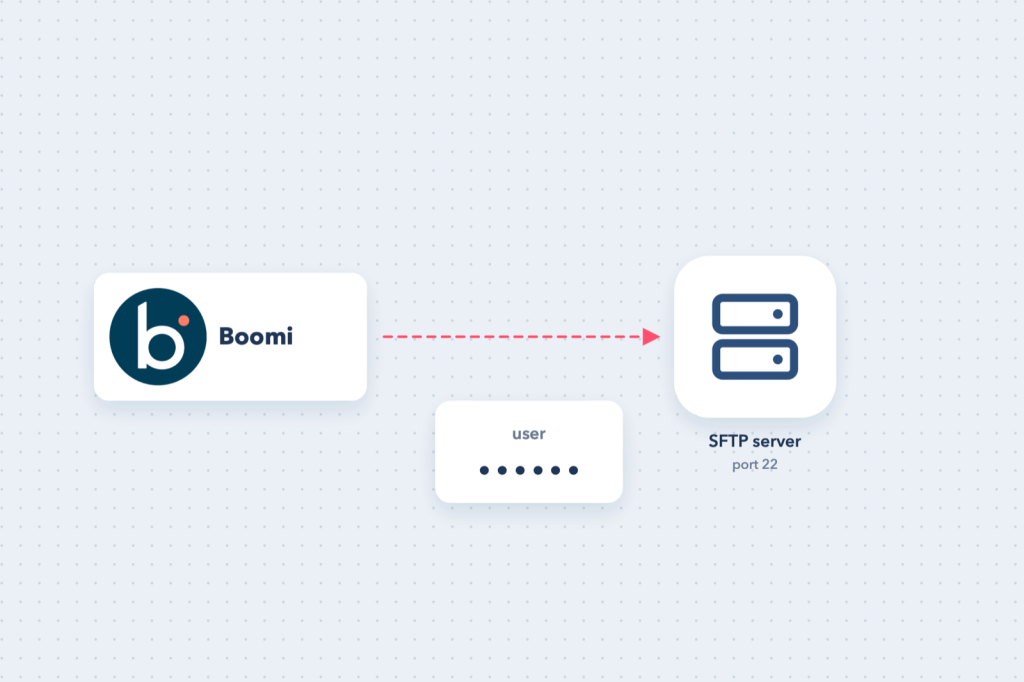
File-based integrations are everywhere: banks, payroll providers, logistics partners and older ERPs still exchange CSV and XML files over SFTP. Boomi’s SFTP connector handles both reading (Get) and writing (Send) files.
The simplest way to log in is a user name and password. It is quick to set up and fine for many partners; for stronger security, see SFTP with an SSH key.
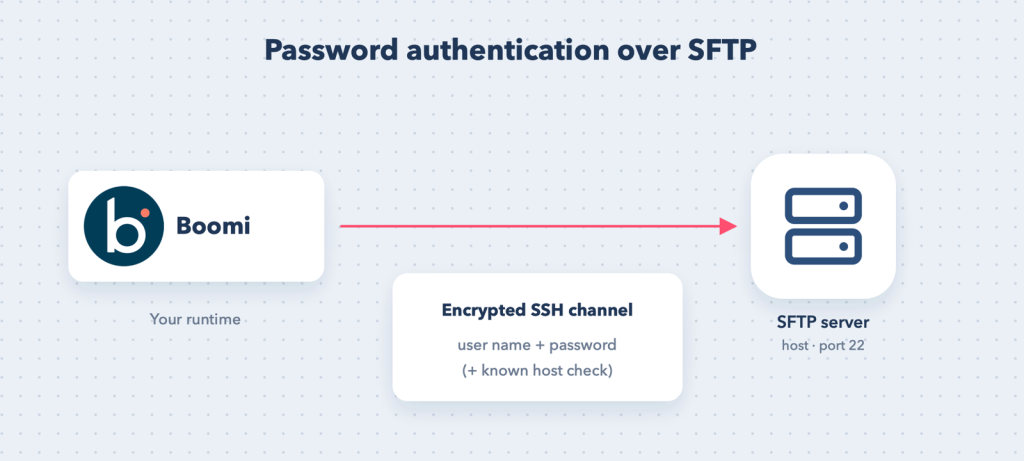
What you need from the SFTP owner
- Host name or IP address.
- Port, normally 22.
- User name and password.
- The folder paths to read from and write to.
- The host key of the server, so Boomi can verify it is talking to the right machine.
Also ask whether the server only accepts connections from known IP addresses. If it does, give them the outbound IP addresses of your runtime (your own server’s public IP, or the published IP ranges of the Boomi runtime cloud you use).
The connection
| Field | Value |
|---|---|
| Host | sftp.partner.com |
| Port | 22 |
| Authentication type | user name and password |
| User / Password | as provided |
| Known Host Entry | the server’s host key line (recommended) |
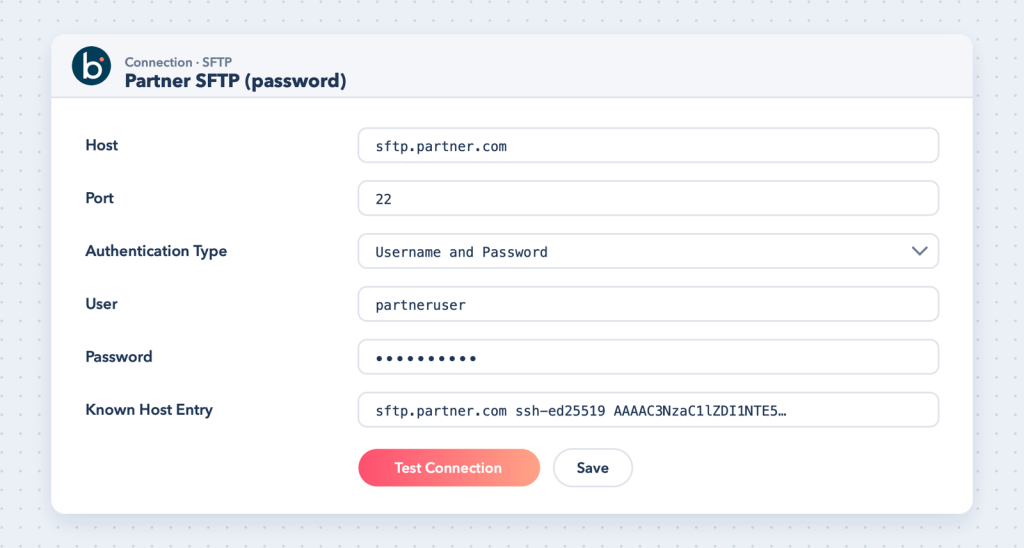
Known host entry
When Known Host Entry is filled in, Boomi enables strict host key checking and compares the server’s key with the value you provide. Left empty, host verification is skipped. Fill it in for production.
Get the line from a machine that can reach the server:
ssh-keyscan -p 22 sftp.partner.comCopy the line for the key type the server uses (for example sftp.partner.com ssh-ed25519 AAAA...) into the field. Confirm the fingerprint with the server owner if you can.
Operations
Get (read files)
- Remote directory: the folder to read from.
- File filter: for example
*.csvororders_*.xml. - Choose what happens after a successful read: delete the file, or leave it and move or rename it in a later step.
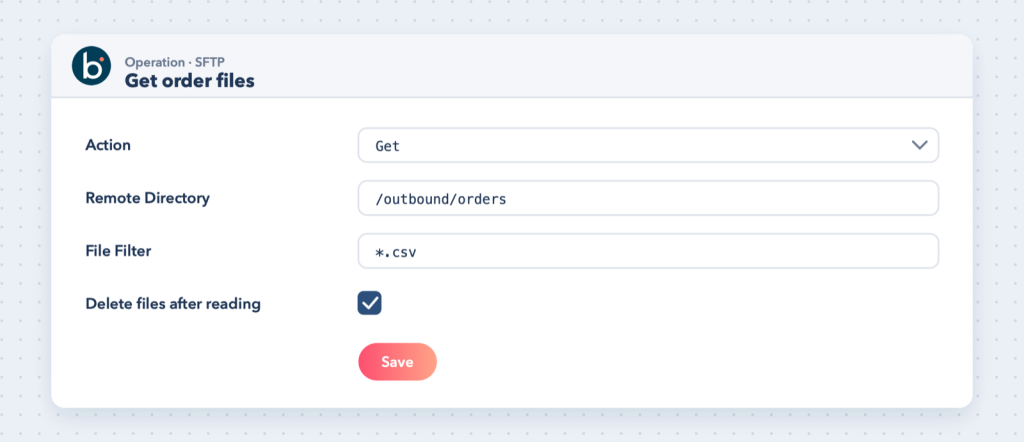
Each file becomes one document in the process, and the file name is available as a document property, which is handy for logging or for routing by name.
Send (write files)
Set the target directory in the operation and the file name with a Set Properties shape before the connector (a connector property for the file name), often built from a date and a reference number, for example invoices_20261013_001.csv.
Tip: Write to a temporary name and rename it when complete, or agree a “done” marker file with the partner, so they never pick up a half-written file.
Common errors
- Auth fail: wrong user or password, or the account is locked after too many attempts.
- Connection timed out: firewall or IP allowlist; the runtime cannot reach the host and port.
- Host key mismatch / reject HostKey: the known host entry does not match the server’s key. Re-check with
ssh-keyscanand confirm with the server owner before changing it. - No such file / permission denied: wrong directory path or the user lacks rights on that folder.