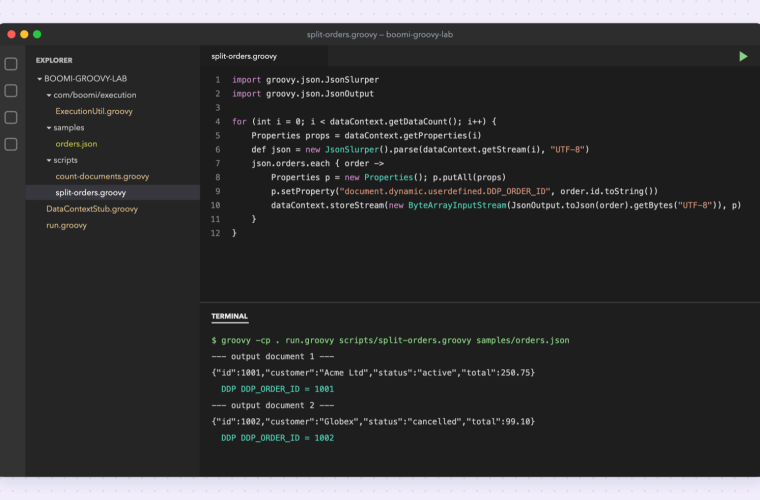
Install Java, Groovy and two VS Code extensions, then add a tiny test harness that imitates Boomi's dataContext and ExecutionUtil, so Data Process scripts run locally without changes.
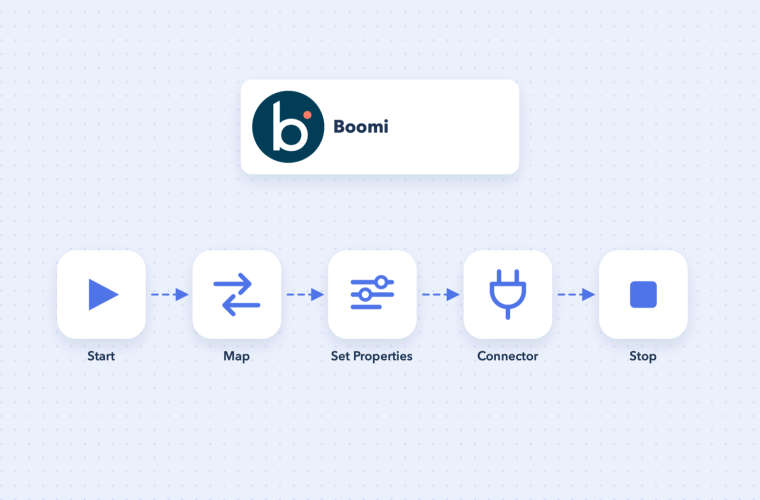
New to Boomi? Learn the building blocks (connections, operations, profiles and maps) and build your first process step by step, from the Start shape to a successful test run.
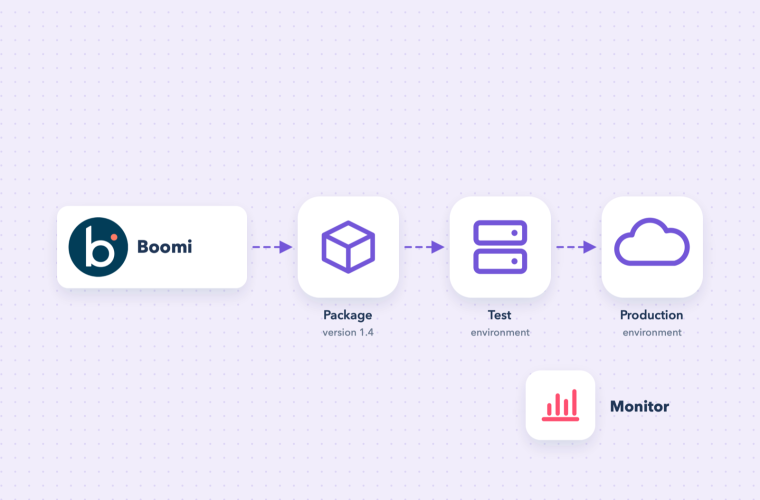
How a Boomi process gets from the Build canvas to production: packaged components, environments, runtimes, extensions and schedules, plus the routine checks that keep integrations healthy.
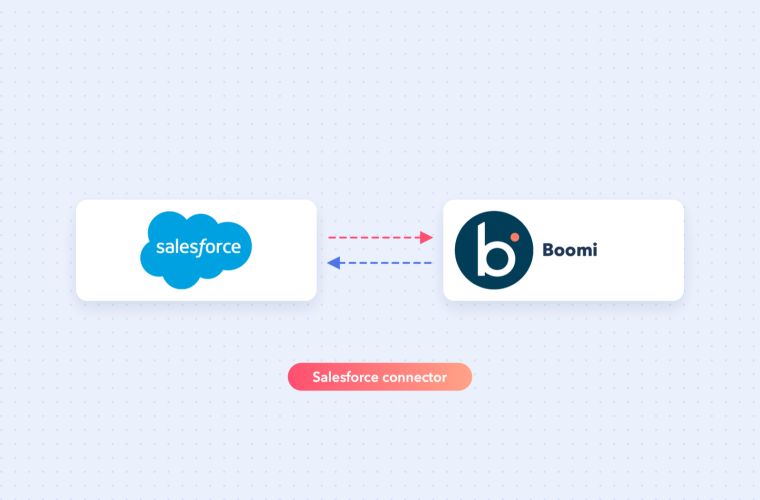
Set up the Boomi Salesforce connector the right way: SOAP login URL, security tokens or OAuth 2.0, and query, create and upsert operations, with an incremental sync example.
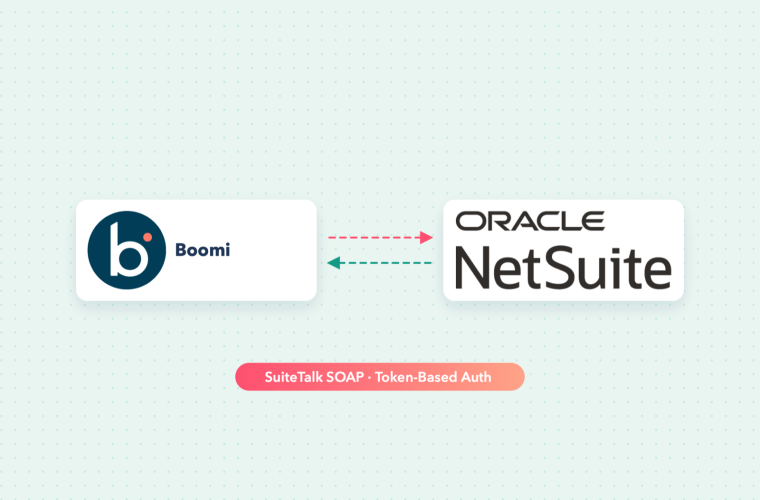
Configure the Boomi NetSuite connector over SuiteTalk SOAP with token-based authentication: the five NetSuite setup steps, the Boomi connection fields, and query, upsert and saved search operations.
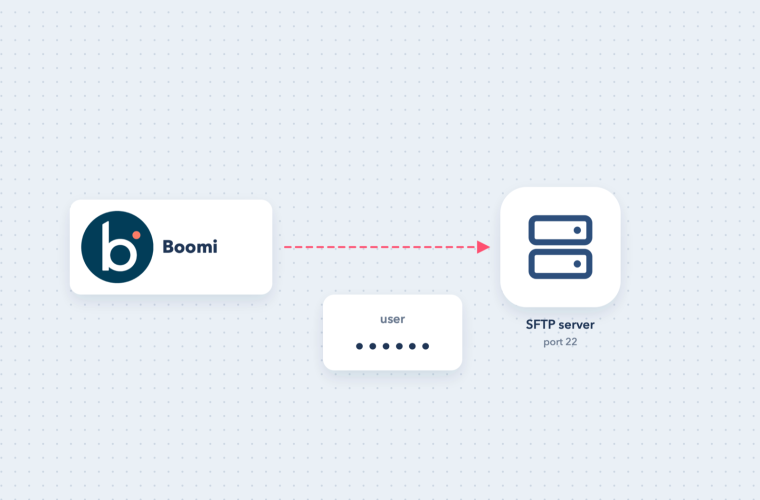
Configure the Boomi SFTP connector with a user name and password: host, port, known host entry, get and send operations, file names, and the usual connection errors.
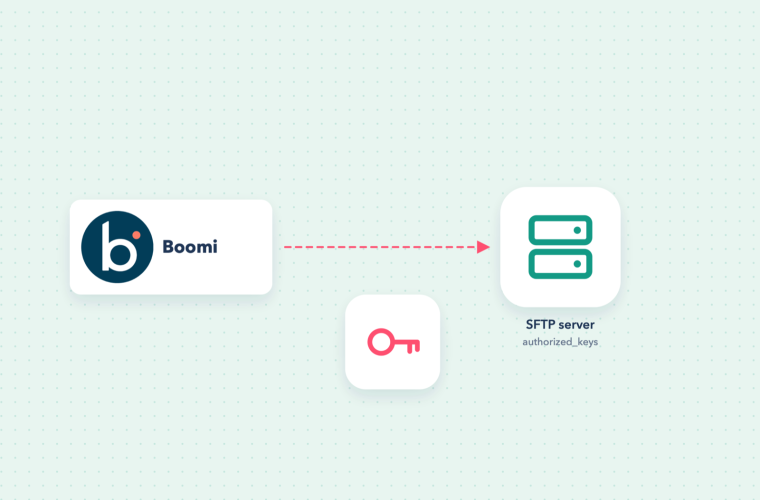
Use public key authentication for the Boomi SFTP connector: how key-based login works, where the private key lives, key formats, passphrases and the most common setup mistakes.
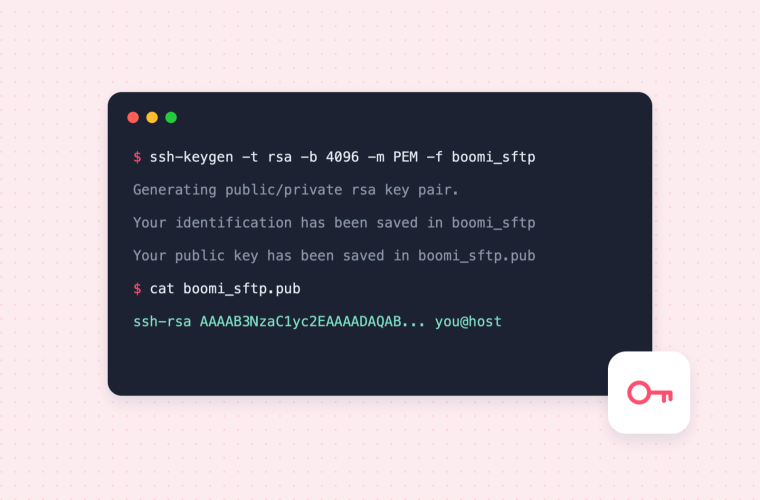
Create an SSH key pair for SFTP integrations on Windows, macOS or Linux, using ssh-keygen or PuTTYgen, and share the public key safely.
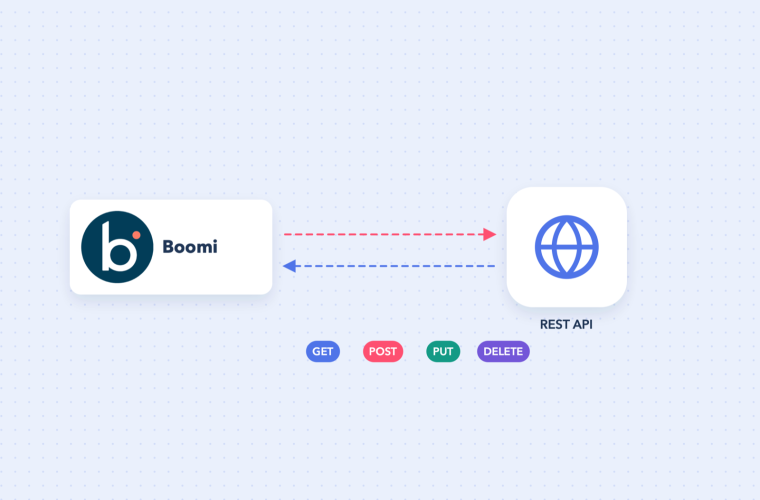
Call any REST API from Boomi: connection vs operation, methods, resource paths with replacement variables, headers from dynamic document properties, JSON bodies and error handling.
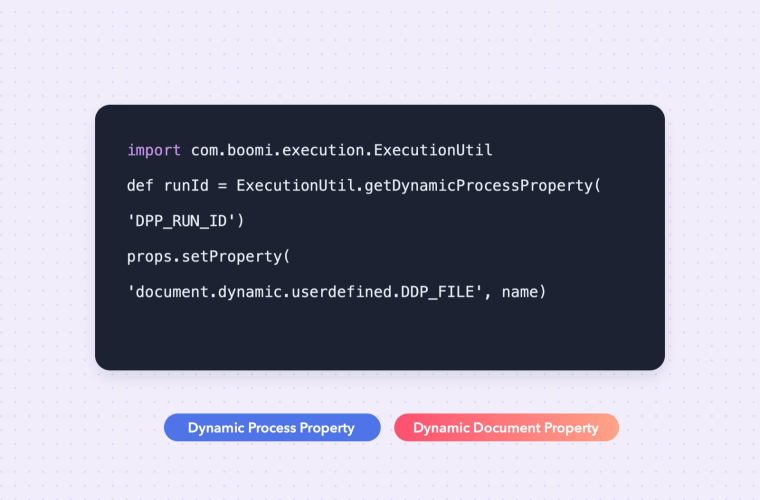
When to use a dynamic process property versus a dynamic document property, and how to read and write both in a Boomi Data Process (Groovy) script, with copy-paste examples.
 Chirag Kumar Deo