
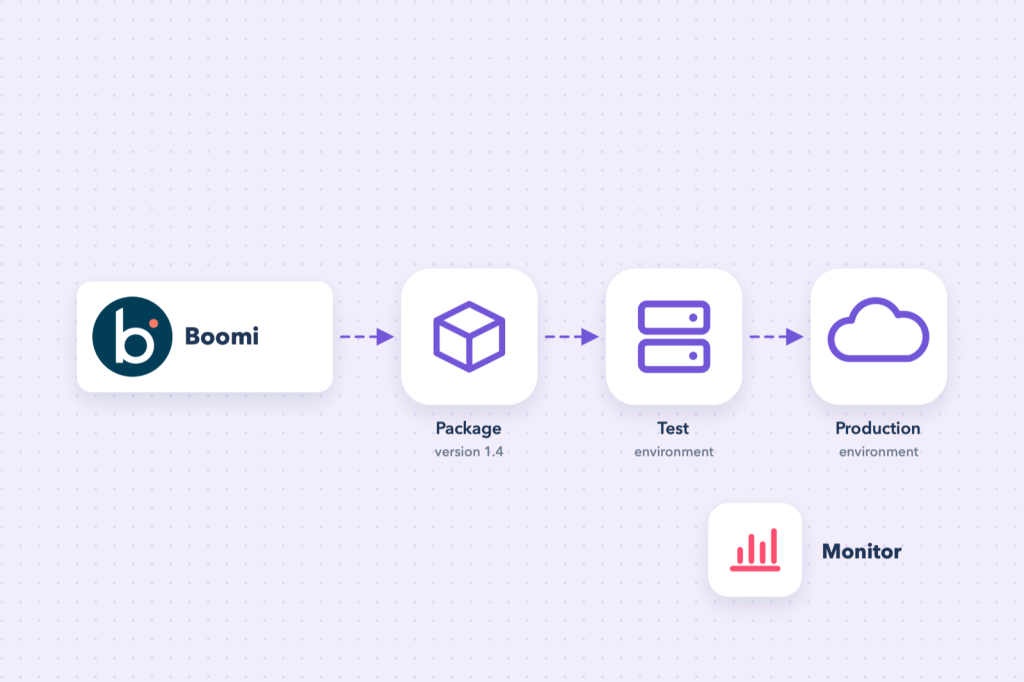
A process that works in test mode is only half the job. In production it needs to run on schedule, use the right credentials for each environment, and tell you when something goes wrong. This post covers how deployment works in Boomi and how to keep processes healthy once they are live.
Runtimes: where processes execute
A deployed process runs on a runtime. Boomi offers three kinds:
| Runtime | What it is | Good for |
|---|---|---|
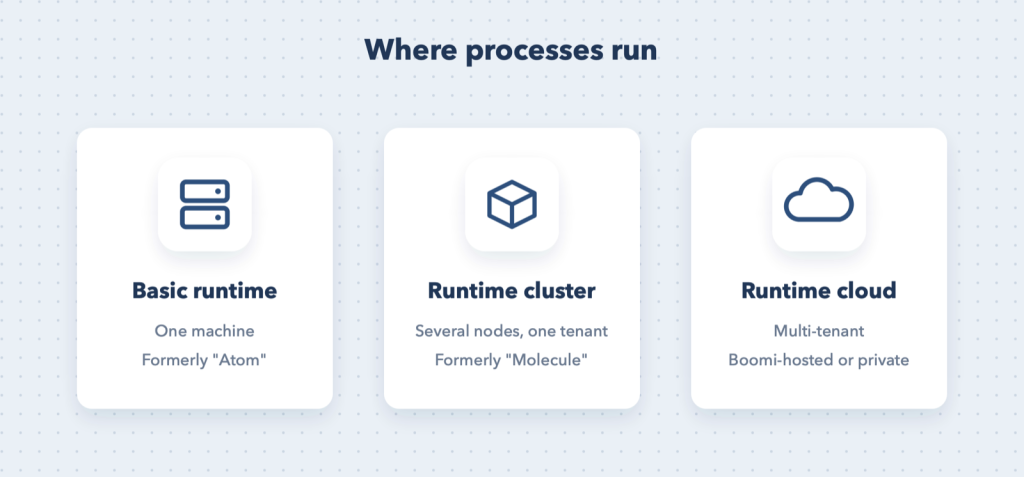
| Basic runtime (formerly “Atom”) | A single runtime engine on one machine | Small workloads, on-premise access to files and databases |
| Runtime cluster (formerly “Molecule”) | Several nodes working as one, single tenant | High volume and high availability |
| Runtime cloud | Multi-tenant clusters, hosted by Boomi or privately | Cloud-to-cloud integrations without running your own servers |
A runtime is attached to an environment, for example Test and Production. You deploy to the environment, and every runtime attached to it picks up the deployment.
Step 1: create a packaged component
A packaged component is an immutable snapshot of your process and everything it references (connections, operations, profiles, maps, sub-processes) at one moment in time.
- From the process, choose Create Packaged Component.
- Give it a version (for example
1.4) and notes describing what changed. - Boomi collects all dependent components into the package automatically.
Tip: Treat version notes like commit messages. Six months from now, “Fixed date format for EU customers” is far more useful than “update”.
Step 2: deploy to an environment
Deploy the package to your Test environment first. Run it, check the results, then deploy the same package version to Production. Deploying an identical package to both environments is what makes testing meaningful.
Step 3: environment extensions
Connection details differ between environments: the sandbox URL and test credentials in Test, the real ones in Production. Rather than maintaining two copies of the process, mark those fields as extensions in the process, then set the values per environment in runtime management. The package stays identical; only the environment configuration changes.
Typical extensions: connection URLs, user names, passwords and tokens, file paths, and process properties such as email recipients.
Step 4: schedule it
Processes that poll for data (an SFTP folder, a query for modified records) need a schedule. Set it per deployed process in runtime management: every few minutes, hourly, nightly, or a custom pattern. Listener-based processes (web services, event-driven connectors) do not need a schedule; they run when called.
Monitoring: Process Reporting
Process Reporting is where you watch production. For every execution you can see:
- start time, duration and status (success, error, still running);
- the documents that went in and came out of each shape;
- the process log, including anything your scripts write with the logger.
From an errored execution you can open the documents, find the cause and, for many processes, re-run the failed documents once the issue is fixed.
Note: Pair Process Reporting with alerts. Email alerts on process errors (or a Notify shape that raises an event) mean you hear about failures before your users do.
Maintenance checklist
- Watch the error rate, not just individual failures; a slow rise often means an upstream change.
- Plan for runtime updates. Boomi releases updates on a regular cycle; local runtimes should be kept current and checked after updates.
- Check disk space and purge settings on local runtimes, because execution data and logs accumulate.
- Rotate credentials before they expire (tokens, passwords, SSH keys) and update the environment extensions, not the process.
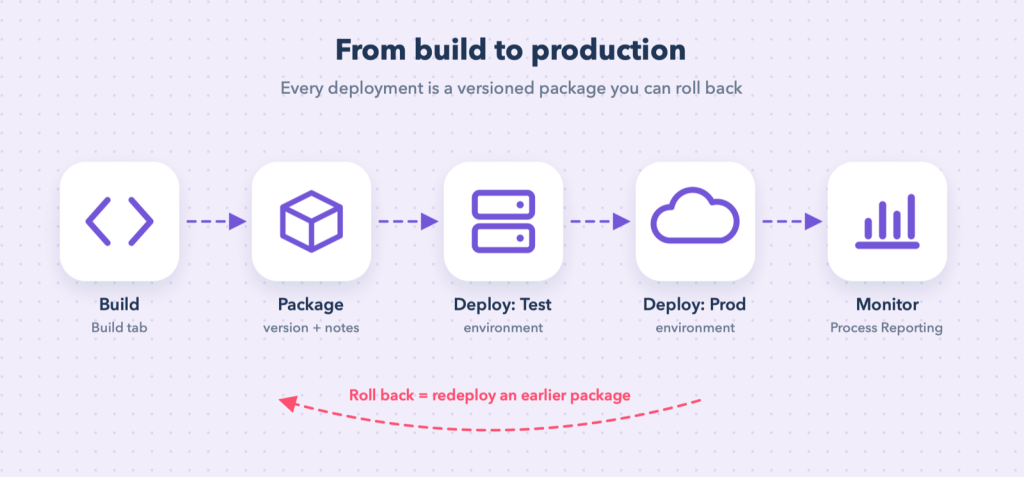
- Roll back safely by redeploying the previous package version. Because packages are immutable, the old version is exactly what ran before.
- Document schedules and owners so everyone knows what runs when, and who to call.
Summary
Build → package → deploy to Test → deploy the same version to Production → monitor. Keep environment differences in extensions, keep versions descriptive, and let Process Reporting and alerts tell you when to act.