
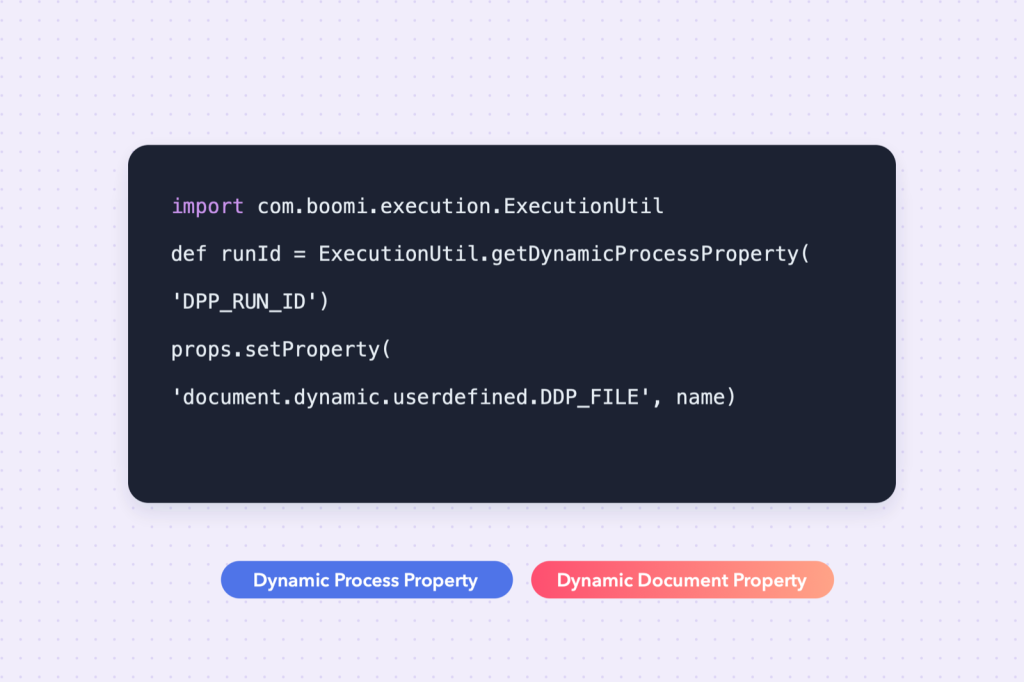
Boomi gives you two kinds of “variables” you will use constantly, and mixing them up is one of the most common sources of confusing bugs.
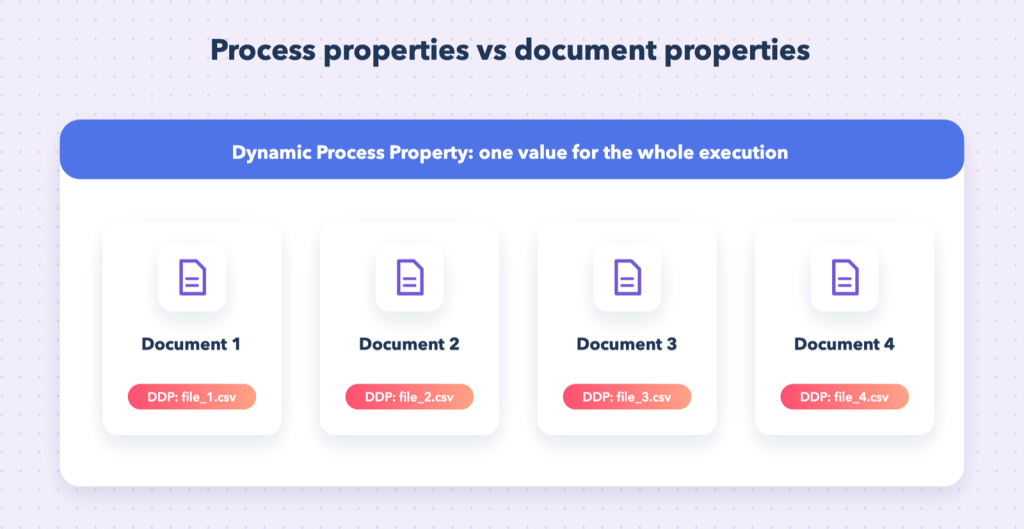
| Dynamic Process Property (DPP) | Dynamic Document Property (DDP) | |
|---|---|---|
| Scope | the whole process execution | one document |
| Typical use | run ID, last-run date, counters, config flags | file name, record ID, target URL, routing key |
| Persist between runs | optional | no |
Rule of thumb: if the value is the same for every document, use a DPP. If every document can have its own value, use a DDP.
The Groovy script skeleton
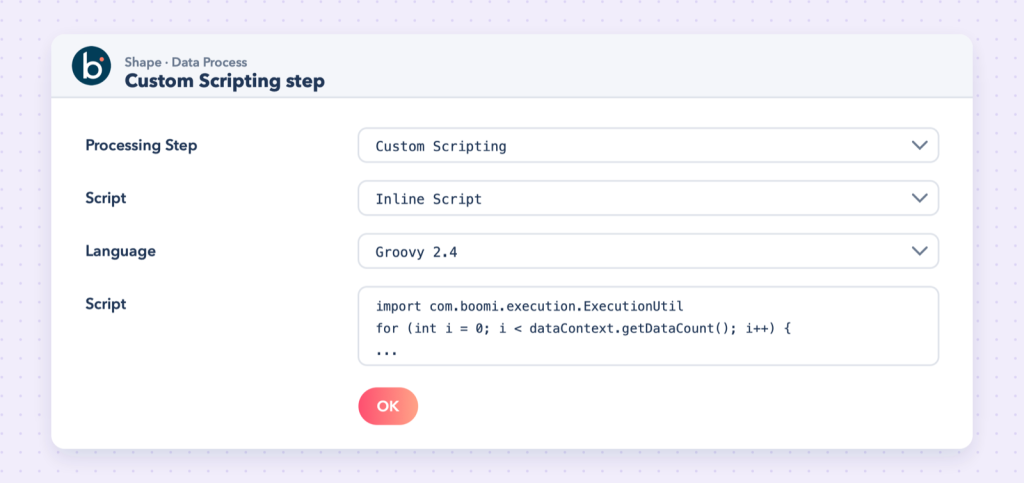
Scripts run in a Data Process shape with the Custom Scripting step. A script receives all documents and must write each one back out, otherwise it disappears from the process:
import java.util.Properties
import java.io.InputStream
import com.boomi.execution.ExecutionUtil

for (int i = 0; i < dataContext.getDataCount(); i++) {
    InputStream is = dataContext.getStream(i)
    Properties props = dataContext.getProperties(i)

    // ... your logic ...

    dataContext.storeStream(is, props)
}
props holds that document’s properties, including its dynamic document properties.
Dynamic process properties
Read and write them with ExecutionUtil:
import com.boomi.execution.ExecutionUtil

// read (null if not set)
String lastRun = ExecutionUtil.getDynamicProcessProperty("DPP_LAST_RUN")

// write: the third argument controls persistence between executions
ExecutionUtil.setDynamicProcessProperty("DPP_LAST_RUN", new Date().format("yyyy-MM-dd'T'HH:mm:ss"), true)
Values are always stored as text, so convert numbers yourself, and remember that names are case-sensitive.
Example: count documents across the whole run
import com.boomi.execution.ExecutionUtil

int count = (ExecutionUtil.getDynamicProcessProperty("DPP_COUNT") ?: "0") as int

for (int i = 0; i < dataContext.getDataCount(); i++) {
    count++
    dataContext.storeStream(dataContext.getStream(i), dataContext.getProperties(i))
}

ExecutionUtil.setDynamicProcessProperty("DPP_COUNT", count.toString(), false)
Dynamic document properties
DDPs live in each document’s props, with the prefix document.dynamic.userdefined.:
// read: same name you used in Set Properties
String fileName = props.getProperty("document.dynamic.userdefined.DDP_FILE_NAME")

// write: visible to later shapes as DDP_FILE_NAME
props.setProperty("document.dynamic.userdefined.DDP_FILE_NAME", "orders_" + i + ".csv")
Watch out: Set the property before storeStream. Changes made after the document has been stored are not carried forward.
Example: take a value from the document into a DDP
Read an order number from each XML document and store it as a DDP so a later HTTP call or file name can use it:
import java.util.Properties
import java.io.InputStream

for (int i = 0; i < dataContext.getDataCount(); i++) {
    InputStream is = dataContext.getStream(i)
    Properties props = dataContext.getProperties(i)

    String text = is.getText("UTF-8")
    def order = new XmlSlurper().parseText(text)
    props.setProperty("document.dynamic.userdefined.DDP_ORDER_NO", order.OrderNumber.text())

    // the stream was consumed, so store a fresh one
    dataContext.storeStream(new ByteArrayInputStream(text.getBytes("UTF-8")), props)
}
Reading a stream consumes it; always store a new stream built from the text, as above.
Log what you are doing
def logger = ExecutionUtil.getBaseLogger()
logger.info("Processing " + dataContext.getDataCount() + " documents")
Log lines appear in the process log in test mode and in Process Reporting.
Common mistakes
- Using a DPP for per-document values: the last document overwrites the value for everyone.
- Forgetting
storeStream, which silently drops documents. - Reading
is.getText()and then storing the same (now empty) stream. - A name typo (they are case-sensitive).