
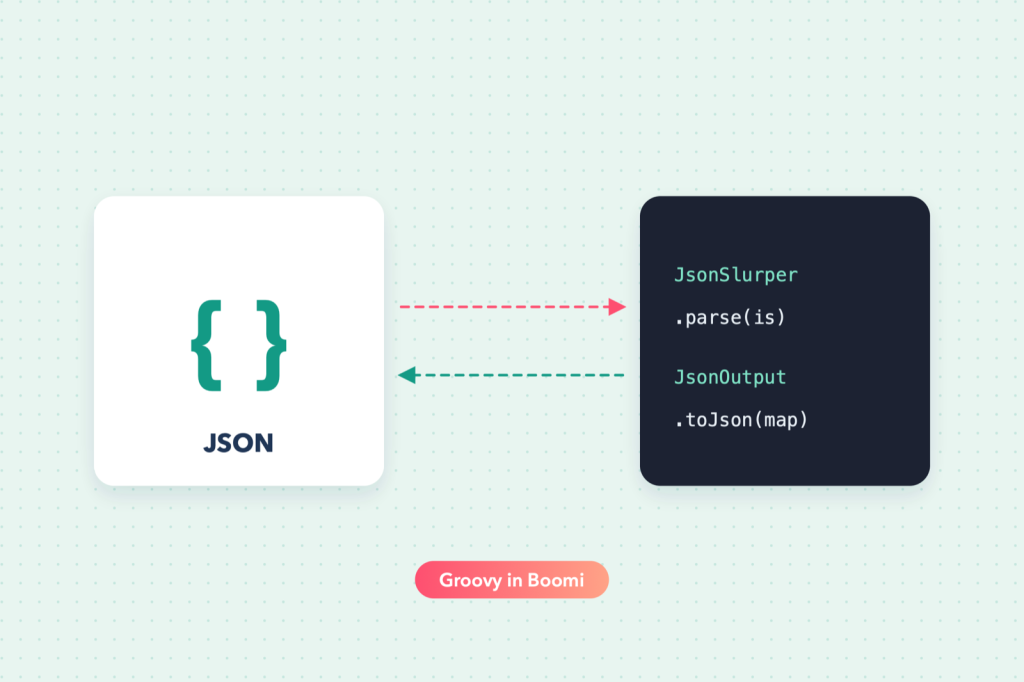
Maps and profiles handle most JSON work in Boomi. Scripting earns its place when the structure is dynamic, when you need to reshape arrays, or when a map would become unreadable. Groovy’s built-in JsonSlurper and JsonOutput make this short work.
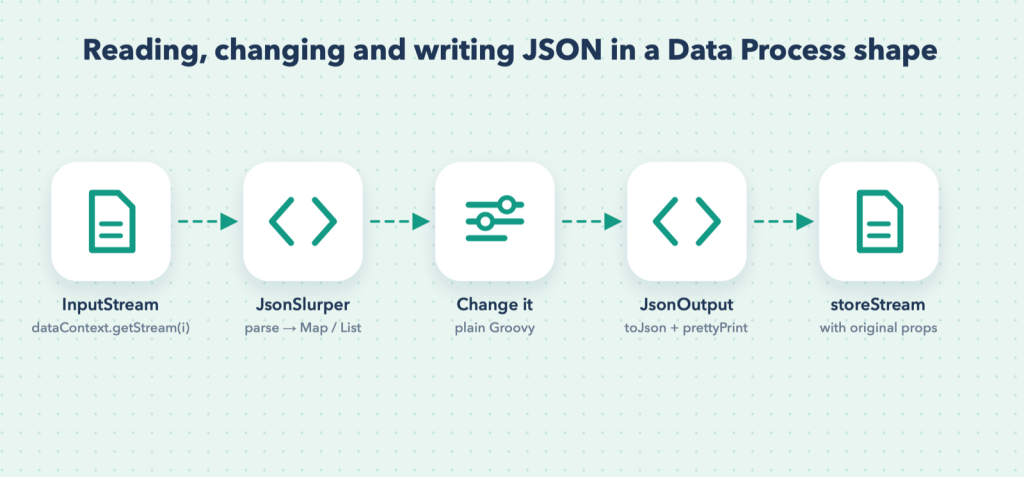
Note: Boomi recommends standard shapes first and scripting as a last resort, because maps are easier for the next developer to understand. Use the scripts below when shapes genuinely cannot do the job.
The pattern
import java.util.Properties
import java.io.InputStream
import groovy.json.JsonSlurper
import groovy.json.JsonOutput

for (int i = 0; i < dataContext.getDataCount(); i++) {
    InputStream is = dataContext.getStream(i)
    Properties props = dataContext.getProperties(i)

    def json = new JsonSlurper().parse(is, "UTF-8")   // Map or List

    // ... change json ...

    String out = JsonOutput.toJson(json)
    dataContext.storeStream(new ByteArrayInputStream(out.getBytes("UTF-8")), props)
}
JsonSlurper turns JSON objects into Groovy maps and arrays into lists, so the rest is ordinary Groovy.
1. Add, rename and remove fields
json.source = "boomi"                        // add
json.customerName = json.remove("name")      // rename
json.remove("internalNotes")                 // remove
json.total = (json.lines ?: []).sum { it.qty * it.price } ?: 0
2. Filter an array
Keep only active items:
json.items = json.items.findAll { it.status == "active" }3. Split one array into many documents
Turn {"orders": [ ... ]} into one Boomi document per order, so each can be mapped and sent individually:
for (int i = 0; i < dataContext.getDataCount(); i++) {
    Properties props = dataContext.getProperties(i)
    def json = new JsonSlurper().parse(dataContext.getStream(i), "UTF-8")

    json.orders.each { order ->
        Properties p = new Properties()
        p.putAll(props)                          // keep the original properties
        p.setProperty("document.dynamic.userdefined.DDP_ORDER_ID", order.id.toString())
        String out = JsonOutput.toJson(order)
        dataContext.storeStream(new ByteArrayInputStream(out.getBytes("UTF-8")), p)
    }
}
Each new document gets its own dynamic document property, which later shapes can use (see dynamic process and document properties).
4. Merge many documents into one array
The reverse: combine every incoming document into a single JSON array, for example for an API that accepts batches:
def all = []
Properties first = null

for (int i = 0; i < dataContext.getDataCount(); i++) {
    if (first == null) first = dataContext.getProperties(i)
    all << new JsonSlurper().parse(dataContext.getStream(i), "UTF-8")
}

String out = JsonOutput.toJson([records: all])
dataContext.storeStream(new ByteArrayInputStream(out.getBytes("UTF-8")), first ?: new Properties())
5. Pretty-print for logs and debugging
String pretty = JsonOutput.prettyPrint(JsonOutput.toJson(json))Use compact output for real requests and pretty output only for logging.
Gotchas
- Character encoding: always pass
"UTF-8"when parsing and when converting back to bytes. - Numbers: decimals are parsed as
BigDecimal, which is exact, so money values stay exact. Convert toStringexplicitly when writing to properties. - Missing keys return
null; use the safe-navigation operator (json.customer?.address?.city) to avoid errors. - Groovy version: check which Groovy version your Data Process shape uses. Newer helpers such as
JsonGenerator(Groovy 2.5+) may not be available.