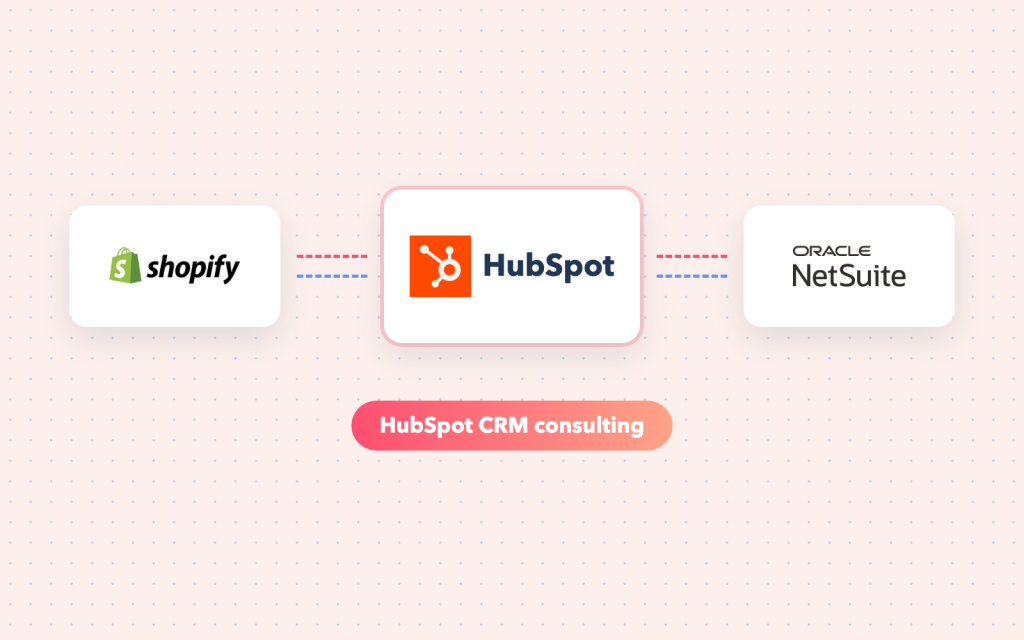





HubSpot is great for marketing and sales, but the handover to finance and operations is often manual: deals re-typed into the ERP, invoices emailed around, customer data out of date. As a HubSpot CRM consultant focused on integration, I connect HubSpot to the rest of your systems.
What I do as a HubSpot CRM consultant
- HubSpot API integrations: contacts, companies, deals, line items and custom objects
- Private apps, webhooks and secure authentication
- Deal-to-order flows into NetSuite or another ERP
- Invoice, payment and subscription data back into HubSpot
- Data clean-up, de-duplication and property design
- Integration through Workato, Celigo, Boomi or direct APIs
Typical integrations
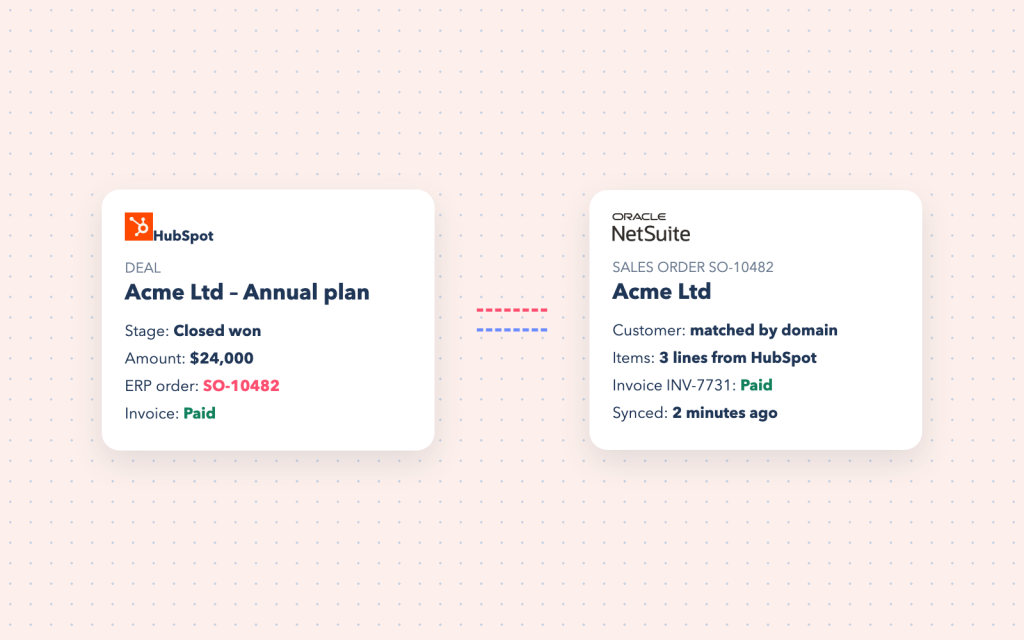
- Closed-won HubSpot deals creating customers and sales orders in NetSuite
- Invoice and payment status shown on HubSpot companies and deals
- HubSpot and Salesforce running side by side for different teams
- Product catalogue and prices kept in sync from the ERP
- Form submissions and leads routed to the right systems
Integration first
My focus is how HubSpot shares data with ERP, billing and support systems — so sales, finance and operations see the same customer.
If HubSpot’s native integrations cover your need, I will tell you rather than build something custom.
Working with teams in the USA, UK and India
I work remotely with companies across the United States — including New York, New Jersey, California, Virginia and Charlotte — as well as London and the rest of the United Kingdom, and India. Calls are planned around your working hours, progress is shared in writing, and you get access to everything that is built.
- HubSpot CRM consultant in the USA — New York, New Jersey, California, Virginia and Charlotte
- HubSpot CRM consultant in the UK — London and across the UK
- HubSpot CRM consultant in India — teams across India
Frequently asked questions
Can you connect HubSpot to NetSuite?
Yes — deals, customers, items and invoices, with clear rules about which system owns which field.
Is the native HubSpot–NetSuite connector enough?
Sometimes. For custom fields, multiple subsidiaries or complex products, a configured integration through an iPaaS or the APIs is usually more reliable.
Can you migrate from another CRM to HubSpot?
Yes, including mapping, clean-up and keeping history where it matters.